Private or public: the truth about AI and your data

New AI tools appear in your life faster than you can keep up, and as you upload documents, ask questions, and automate tasks, it’s natural to wonder where all this information actually ends up.
Some services handle your data carefully, keeping it under your control, while others might collect more information than users expect. Understanding the difference lets you stay in control of your data and make better choices about the tools you use.
The difference between "private" and "public" AI
The key distinction is who controls your data and what happens to it after you use the service.
Feature | Public AI | Private AI |
Data control | Vendor may use your input to train models for many users | Data stays under your control; no external reuse |
Deployment | Cloud service on shared infrastructure | Your device or personal cloud; dedicated environment |
Privacy & compliance | General-purpose, not tailored for sensitive data | Designed for personal or sensitive data |
Customization | Generic model, less tuning | Can be adjusted for your needs or specific types of content |
Public AI apps commonly run on shared cloud infrastructure. Your prompts, documents, and interactions may be used to improve models, develop new features, or analyze usage patterns. While they are often free or cheap and easy to access, you have less control over your information.
With private AI apps, your data is usually encrypted and stays under your control, so the vendor generally can’t see, reuse, or sell it. They often run on dedicated infrastructure or private cloud deployments where you hold the keys. You may pay more, but your information remains yours.
What “private” doesn't automatically guarantee and what to check
Even with private AI, some information may still be collected. It helps to understand how a service handles your data during processing. For example, where is the model hosted? Is it on the vendor’s servers, or in a more isolated environment under your control?
Encryption can keep the content of your documents hidden from the vendor, but metadata such as your device type, operating system, IP address, login times, and usage patterns may still be recorded.
Another factor to consider is jurisdiction. If your data is stored in another country, local laws may require access under certain circumstances. Depending on where you are, that could affect how your information is handled.
It’s also worth looking at the vendor’s practices. Do they indicate whether your data might be used to improve models? Do they share information with service providers? And in the event of a business transfer or acquisition, how would your data be treated?
Which AI apps are private and which aren't
Less private AI apps
These are the chatbots or assistants where your prompts and documents can be used to improve the service for everyone who uses it. Many free cloud services work this way, and their terms often mention that your input may help train future models.
Apps that let you upload files into a general AI system without giving you much control over encryption or how your data is handled, also usually fit here.
More private AI apps
They protect your content with strong encryption before it ever leaves your device, so the vendor doesn’t see the original version. Some can even run directly on your own device or in a private cloud, where you decide who can access the information.
Privacy-focused options clearly explain their practices, stating your content isn’t used for model training and isn’t passed on to other providers. Many rely on safeguards like zero-trust security to limit internal access and keep your information contained.
What information AI apps share, and with whom?
Every AI app collects data, but how much varies depending on the service. What matters is knowing how much control you have, how transparent the company is, and whether the information they collect fits the purpose of the product.
To give you a sense of how we handle this at MyVault, here is what our service needs in order to function securely. We ask for your email address and login details, and we record information about your device, operating system, and general usage. This helps us keep the platform running, protect your account, and understand when something looks unusual. What stays out of reach is your passphrase and the unencrypted content you store.
We don’t use your encrypted content for marketing or feed it into model training, and we don’t sell personal data. When information is shared, it happens in limited and clearly defined situations. Service providers that help us operate the platform may receive certain technical information, and they are required to keep it confidential. If we receive a valid legal request, we follow the law. If ownership of the company ever changes, the commitments we make about data protection continue. We may also share aggregated or anonymized information that can’t identify you.
When people store their documents into MyVault, they are giving us responsibility for information that matters to them. We take that seriously and treat every piece of information with the same care, from the smallest login detail to the most sensitive file. You deserve to know what we collect, why we collect it, and how it is protected, without guesswork or fine print.
If any service asks for more information than you expect or leaves you unsure about how your data is handled, it’s reasonable to pause and look closer.
What does “zero-trust security” really mean?
Zero-trust security treats every access request as something that needs verification, no matter who is asking or where they’re coming from. Being inside a network or system doesn’t automatically grant trust; each request is checked for authentication and authorization, whether it’s your first time or your thousandth.
Traditional security often assumed threats came only from outside. With cloud services, remote work, and multiple devices in use, that assumption doesn’t cover the way people actually work today. Zero-trust recognizes that risks can exist inside a system, and that outside devices might attempt access. It looks at who you are, what device you’re using, your location, and whether the request fits the situation.
This approach keeps each user or device limited to only the access they need at the moment. If one part of the system is affected, it doesn’t put everything else at risk. The system continuously checks access, quietly keeping your information safe as you work.
Never trust, always verify
That is the rule. It’s simple, and it cuts through every promise you’ll ever hear about security.
With MyVault, your information stays in your hands. Every file, every note, every detail you store is protected at the moment it appears. The system verifies each request, checks every access, and treats your data like it matters because it does.
The point is confidence. Real confidence that doesn’t rely on blind trust or hopeful reading of privacy policies. It comes from a design that assumes nothing and checks everything.
So you can work, save, search, and plan without the quiet worry of where your documents might drift or who might touch them on the way. Your data stays where you put it.
It’s privacy you can rely on, without compromise.
Related posts

Feb 3, 2026
Household systems that pay for themselves in hours
Mental load means remembering when car insurance renews, tracking which child needs new shoes, knowing the fridge filter expires next month. Every household runs on hundreds of small details that someone must hold in memory.

Sead Fadilpasic
Jan 27, 2026
The Habsburg effect: why your data just got more valuable
The European Habsburgs built an empire through strategic marriages, consolidating power by keeping bloodlines strictly within the family. Something similar is happening with AI right now.

Markos Symeonides
Jan 21, 2026
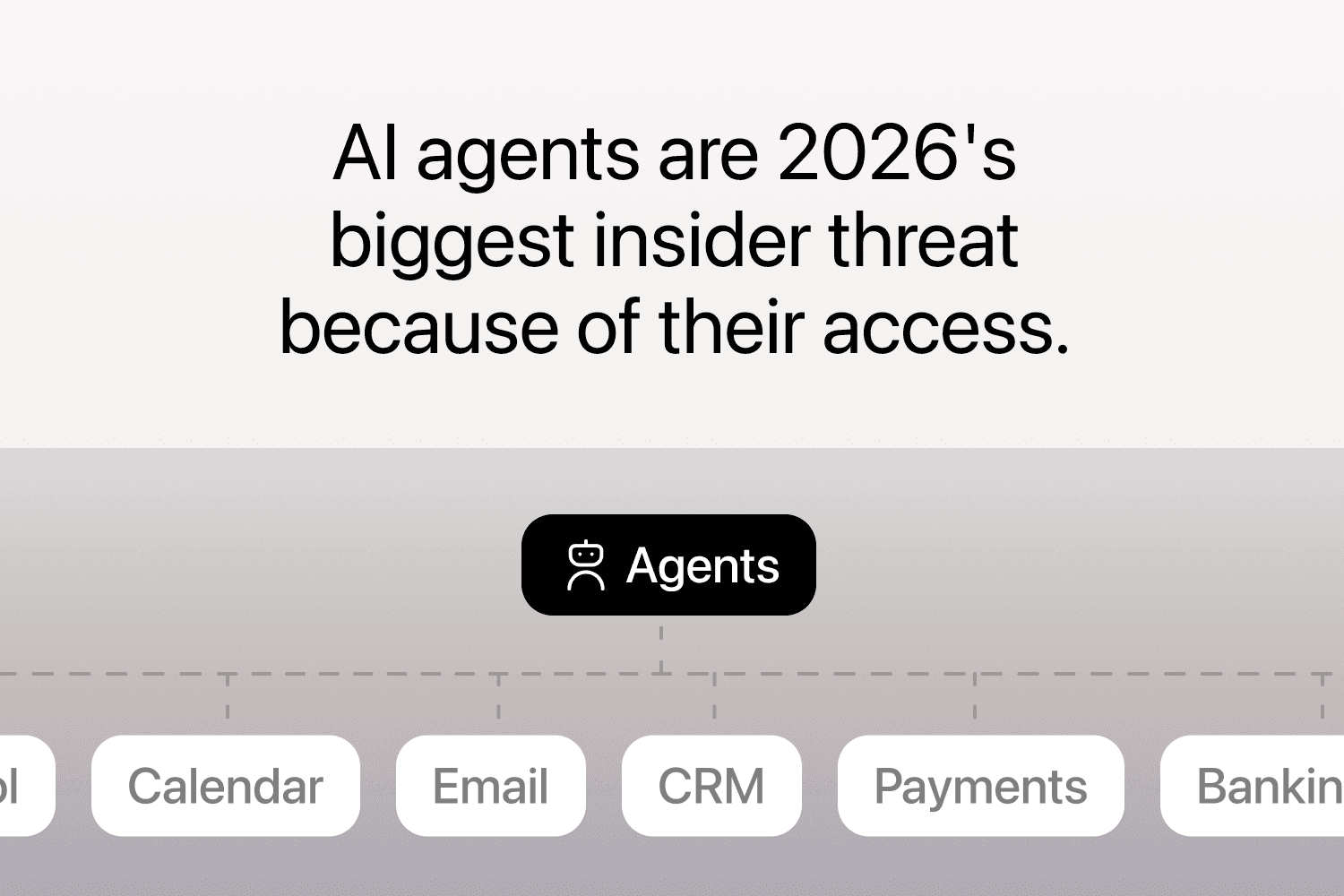
The superuser problem: why AI agents are 2026's “biggest insider threat”
The primary security issue with AI agents is their access.
Markos Symeonides