What if your files could actually answer you
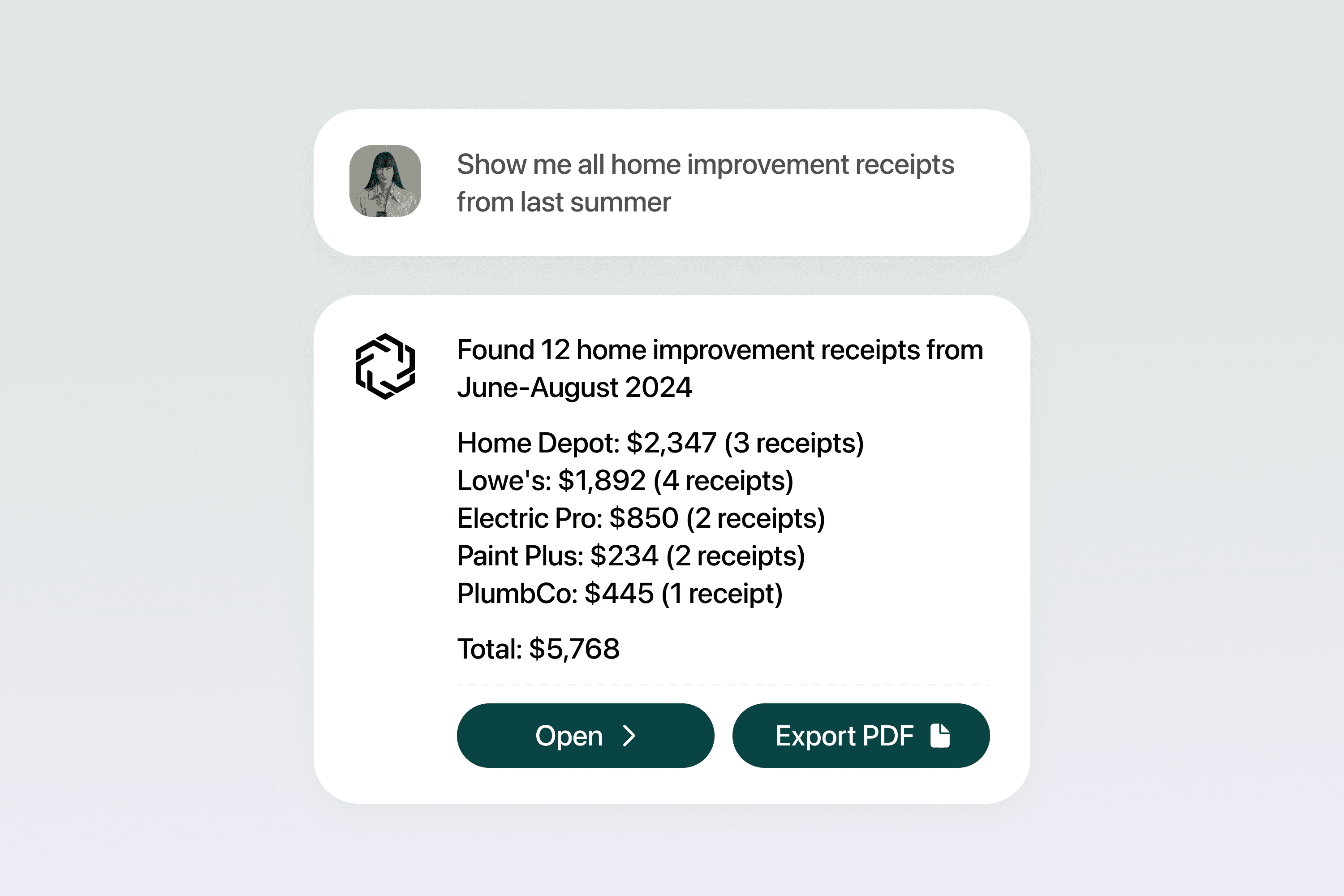
You already name your files. Contract. Photo. Receipt. Then a few months later the name becomes useless. Folders help until there are too many of them. The moment your digital life grows, search turns into guessing.
What if you could simply ask:
When does my insurance expire?
Where is the contract I signed with that client?
Do I already have the receipt for that repair?
Your files know the answer. You just can’t reach it.
Where tagging came from
We first saw tagging on social media. Tag a friend in a photo. Tag a location. Suddenly things were easier to find. The idea moved to documents. Add words like car or invoice or 2025 so you can find that file later.
Nice idea. Almost nobody does it. It takes time. Our language changes. A bill becomes an invoice. A car becomes a vehicle. Search breaks again.
Software tried automation based on single words. If a document says invoice, call it finance. If it says bill instead, confusion. Computers matched text. They didn’t understand meaning.
We create more files than any system built on naming and manual tags can handle. The information you need is buried inside your own devices and accounts.
In just two days we create more data than all of history before 2003. The old systems never stood a chance.
We reached a point where no one can organize their digital life alone. The system needs to understand files the way we do.
What does AI bring to tagging?
AI reads the actual content in your files. Text in a document. Objects in a photo. Details in an email. It recognizes who or what is involved, important dates, and how everything connects. It knows a car insurance document is a vehicle policy with an expiration date, even if the word car never appears.
Your files stay the same. The way you access information changes completely.
How does AI tagging actually work?
AI reads your files the way a person would. It looks at the text inside a document, the objects in a photo, or the message inside an email. It understands who or what appears in the file, dates, places, and how everything relates.
Once it understands the content, it adds tags automatically. It doesn’t rely on one keyword like car. It sees the bigger picture. It knows this file relates to your car, your insurance, and when you need to renew it. It then connects that policy to other car related files, like a photo or a repair receipt, even if the receipt lives in your cloud drive and the document came through email.
As you use it, the system keeps improving. When you fix a tag once, it remembers that decision in the future. Over time, your files stay organized without you doing anything.
Isn’t giving AI access to my files risky?
It can be.
Most cloud services that offer smart search or tagging need full access to your raw files. That means someone at the company or a hacker could see what you store. Contracts. IDs. Personal photos.
You need intelligence without surrendering privacy.
In a zero-knowledge setup, the provider can’t read your files. Only you can. Tagging and organization happen inside your own secure, encrypted environment. You ask questions. The system answers. Your raw files never leave your control.
You shouldn’t choose between convenience and security.
Is AI tagging always accurate?
No, no system is perfect. AI can mislabel things, usually for three reasons:
Ambiguity: AI can get confused by words with multiple meanings. For example, a "bill" could be a financial invoice or someone’s name. A "case" might refer to a legal matter, a product container, or a bug report. An AI needs more context to be certain.
Poor quality: AI's accuracy depends on the data you give it. If scans are blurry or handwriting is messy, the AI struggles to read them. When it can't recognize words or images, it can't tag them correctly.
Specialized topics: AI models learn from huge, general datasets. They might not understand very specific language, like medical or legal terms.
Even so, AI is more consistent than people. If it makes a mistake, you can correct it once, and the AI will remember the correction for all future documents. It won't get tired and make the same mistake in a different way, like a human might.
How does this lead to a "smarter" search?
Because AI understands the meaning of your files, you can look for information by asking everyday questions.
This is called contextual search.
You can ask for a receipt from a specific store, or the contract you signed with a certain client, and the system will find it in seconds.
How does this work across all my accounts and services?
You have just one storage place? Yeah, me neither. We’ve all got files in Gmail, Dropbox, iCloud, OneDrive, maybe even Slack or Notion. Our files are scattered everywhere.
With a secure vault like MyVault, you connect the accounts you already use. Everything gets organized faster, with help from our insurance, finance and asset agents. They understand what a document is about, so you don’t have to manually sort anything. You stay in control the whole time.
You take a photo of your new car on your phone. A week later your insurance policy arrives in your email. The insurance agent recognizes the connection and keeps them linked inside your vault. If you later upload a repair receipt, the finance agent links that too. Your files stay exactly where you saved them. MyVault just helps them make sense together.
Can this work without me constantly managing it?
Yes, it can.
Once you set up the system, it works in the background. It automatically tags and links your files as soon as they enter the system. You don't have to check on it, manually sort files, or add tags yourself.
Your only job is to interact with the system when you need something. You can ask a question or search for a document. You only need to step in to make a small correction if the AI gets something wrong, and it learns from that for the future.
It stays organized without you having to think about it.
Your information should work for you
You already have the information you need. AI just makes it easier to find and use. Your files become searchable, connected, and protected. Privacy stays with you while everyday tasks get easier.
Information is only useful when you can reach it.
Related posts

Feb 3, 2026
Household systems that pay for themselves in hours
Mental load means remembering when car insurance renews, tracking which child needs new shoes, knowing the fridge filter expires next month. Every household runs on hundreds of small details that someone must hold in memory.

Sead Fadilpasic
Jan 27, 2026
The Habsburg effect: why your data just got more valuable
The European Habsburgs built an empire through strategic marriages, consolidating power by keeping bloodlines strictly within the family. Something similar is happening with AI right now.

Markos Symeonides
Jan 21, 2026
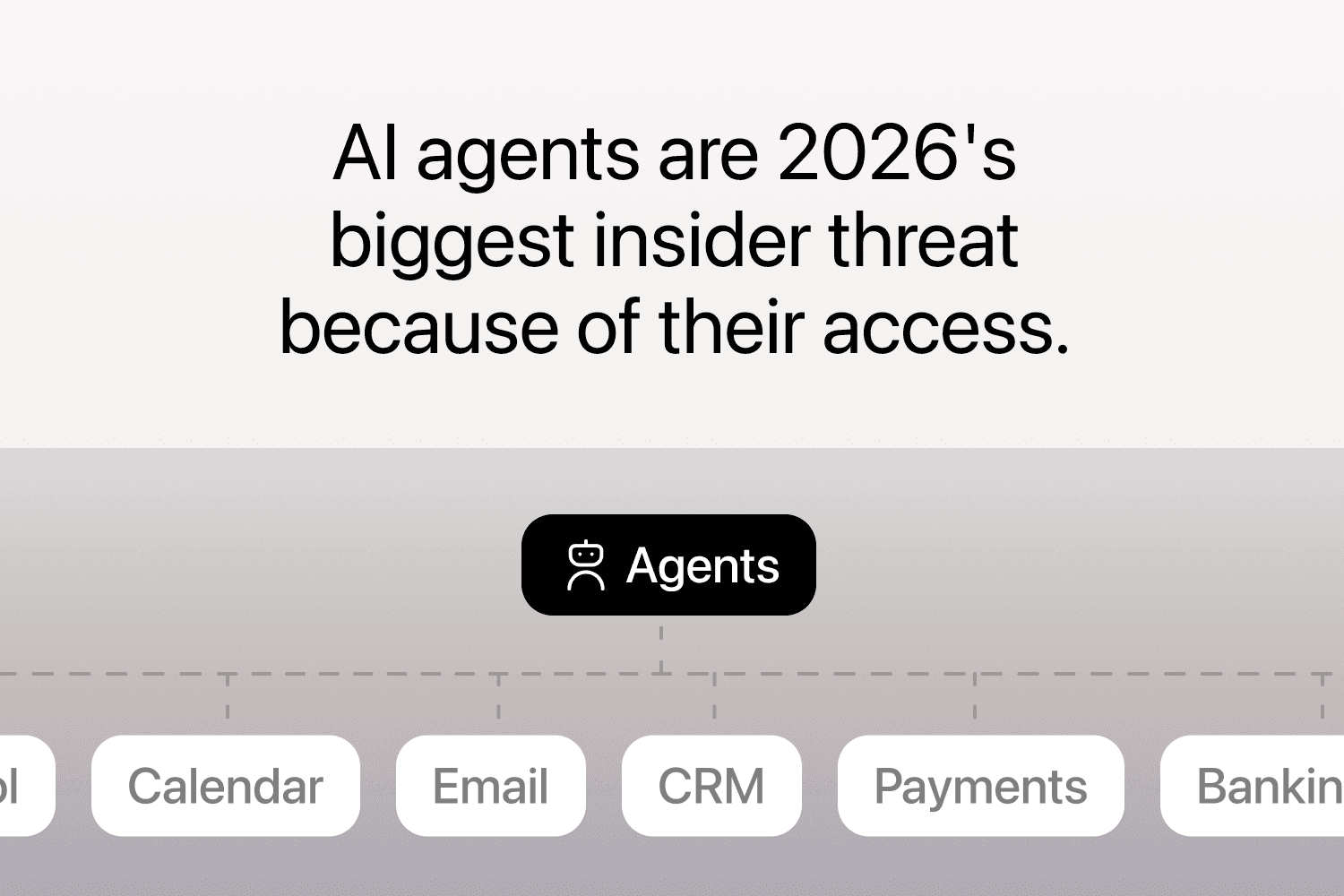
The superuser problem: why AI agents are 2026's “biggest insider threat”
The primary security issue with AI agents is their access.
Markos Symeonides